
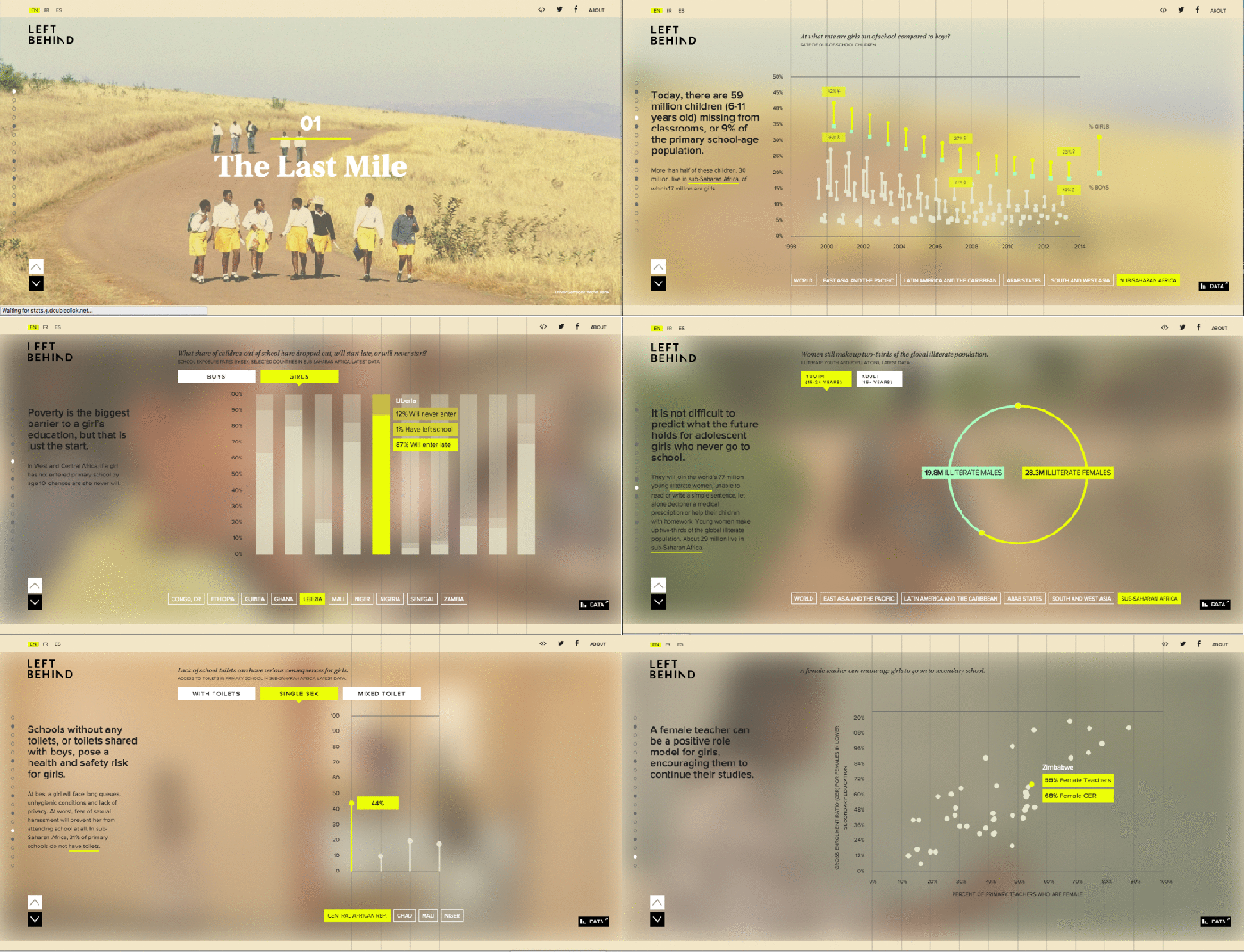
In a previous guest post Maria Crosas Batista created GIFs to demonstrate interactives in action. In this guest post – cross-posted from her datavis blog Dinfografia – she explains how to make GIFs from screenshots in five steps.
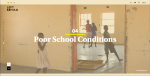
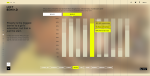
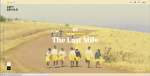
1. Take screenshots of the visualisations
Get several images that show the data piece and the storytelling.









2. Upload the images to a GIF maker site
There are many free websites that create GIFs. I chose gifmaker.me because it is easy to understand and allows you to quickly upload several images in JPG, PNG or GIF format.

3. Control the GIF’s features
Once the pictures are uploaded, you can control several features such as the canvas size of the GIF or video (pixels), the animation speed (milliseconds) or the number of loops (repeated times).
Try some of them while you see the impact on a preview:

4. Create the GIF animation
Once all the characteristics are set up, click on the ‘Create GIF Animation’ button to create the GIF.
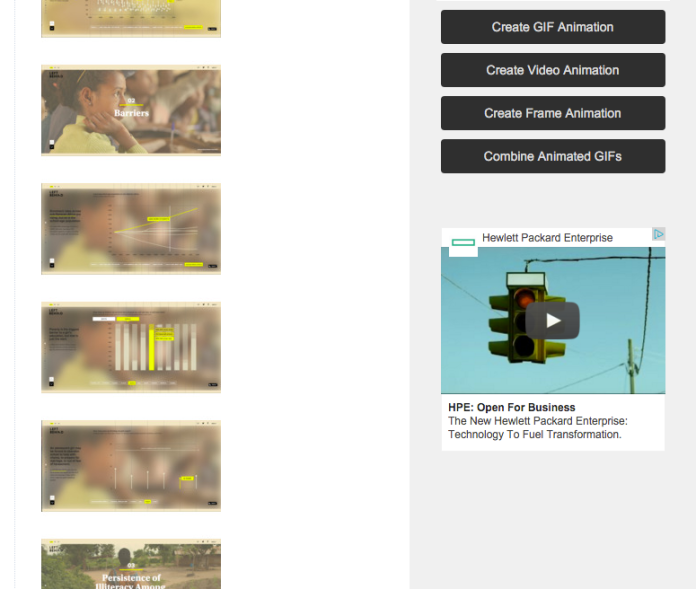
5. Edit or download the GIF
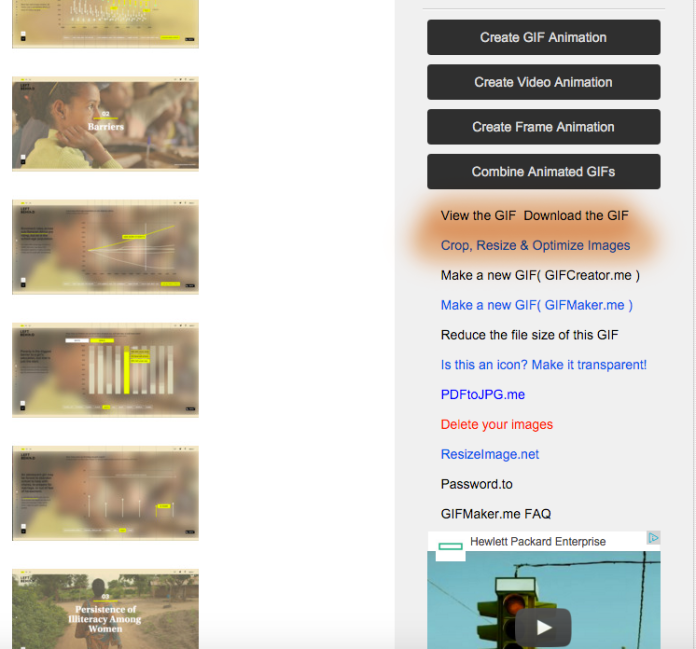
After the animation is created, you will have some options to crop, resize and optimize the images or download the GIF to your computer.
 Online Journalism Blog
Pingback: How to: make an animated GIF in 5 steps | Online Journalism Blog | do not drop the ball
The maps in this post make a good GIF: http://paulbradshaw.tumblr.com/post/153006099160/the-search-for-a-better-us-election-map
Pingback: Gif maker apps: The best way to add visual content work – En primera plana
nice article adding the animated video production and animated gif really can liven up the blog
Thanks for this useful guide on creating animated GIFs! Another option worth considering is ConvertAndEdit.com, a free online tool that converts videos to GIFs and offers a suite of video editing and image conversion tools. It works entirely in the browser, requires no registration, and doesn’t add watermarks. Might be helpful for anyone experimenting with GIFs and video content: https://convertandedit.com