Last month I wrote about destination and journey prompts, and the strategy of designing AI prompts to avoid deskilling. In some situations a third, hybrid approach can also be useful. In this post I explain how such hybrid destination-journey prompting works in practice, and where it might be most appropriate.
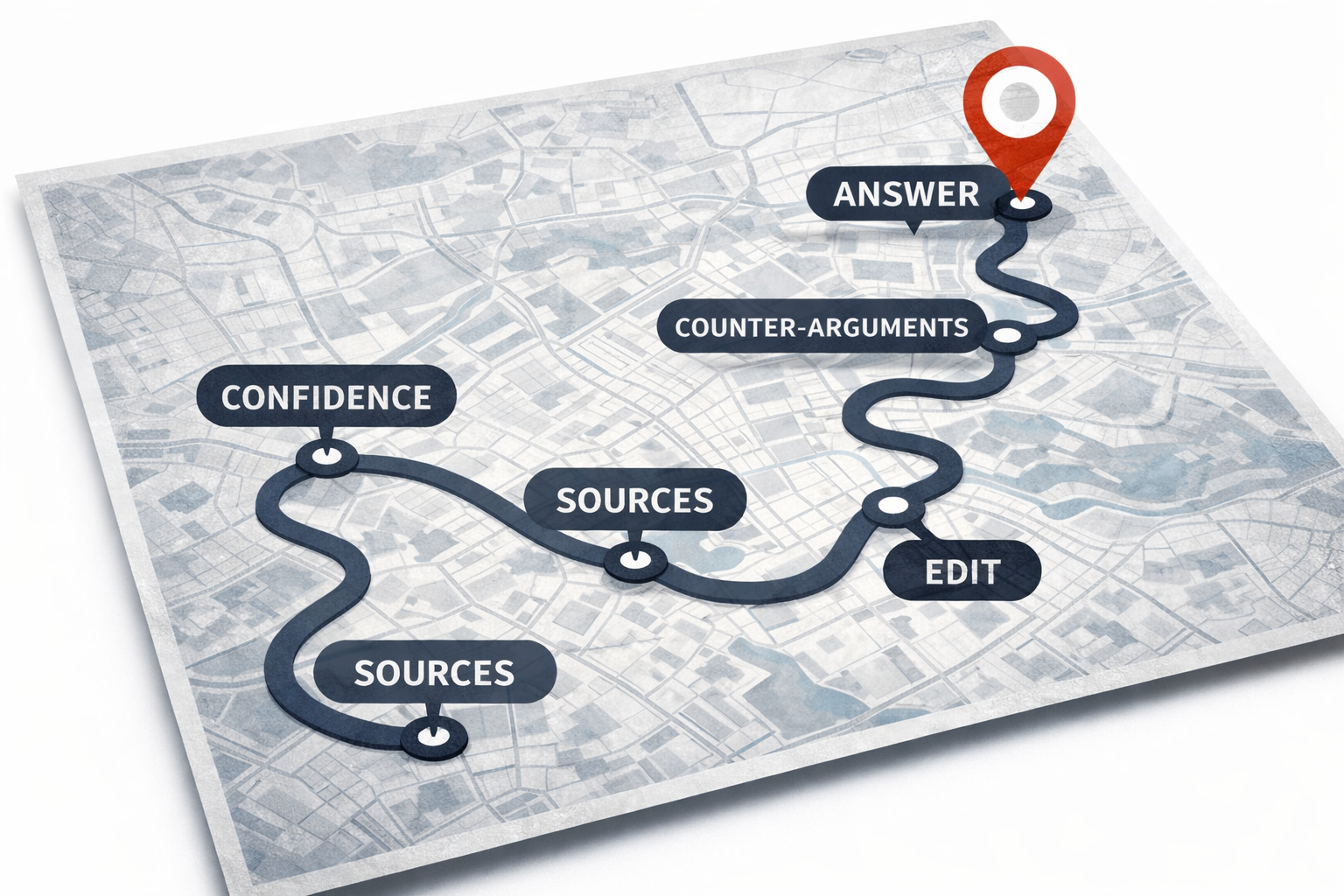
How do you use AI without becoming less creative, more stupid, or deskilled? One strategy is to check whether your prompts are focused on an endpoint that you’re trying to get to, or on building the skills that will get you there — what I call “destination prompts” and “journey prompts”.
In creative work, for example, you might be looking for an idea, or aiming to produce a story or image. In journalism or learning, a ‘destination’ might be key facts, or an article or report.
But prompts that focus only on those destinations are less likely to help us learn, more likely to deskill us — and more likely to add errors to our work.
To avoid those pitfalls, it is better to focus on how we get to those destinations. What, in other words, are the journeys?
What if we just asked students to keep a record of all their interactions with AI? That was the thinking behind the AI diary, a form of assessment that I introduced this year for two key reasons: to increase transparency about the use of AI, and to increase critical thinking.



 Online Journalism Blog