
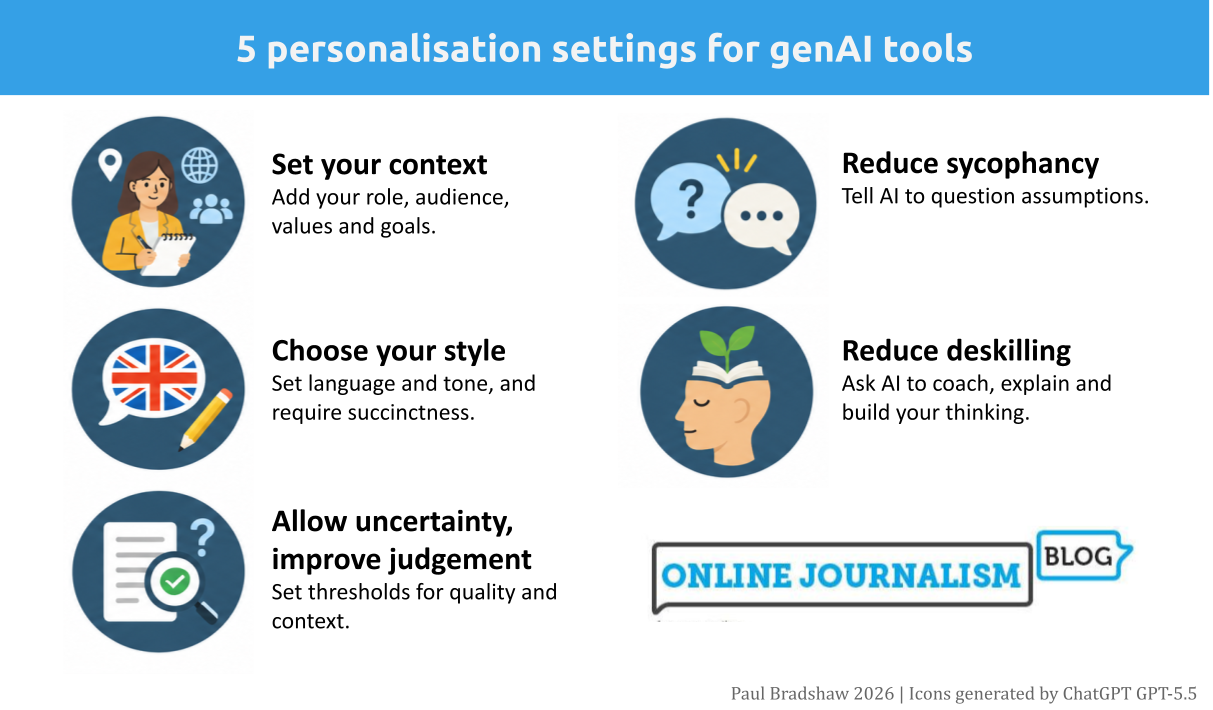
One of best things you can do to lower the risks of using AI and improve the quality of outputs is to spend five minutes with one of AI tools’ least-used features: their personalisation settings.
ChatGPT, Gemini, Copilot and Claude all have personalisation features: a section of the tool where you can give it permanent extra information that informs every conversation. You can find it in your general settings under names like ‘instructions’, ‘personal context’ or ‘personalization’, or using the links above.
Here are five instructions you can include in that section:
1. Customise your context, ethics and objectives
Your professional role, ethics, location, language, skill level and other details all provide vital context that will help reduce assumptions and misunderstandings and improve the ‘predictions’ that AI tools make when responding.
As well as a basic description of what you do and why, you can also paste or paraphrase your organisation’s guidelines here. Here’s an example using the NUJ’s code of conduct:
I work as a journalist for XXXOur audience is XXX but we are especially trying to reach these audiences: XXXMy objectives are to:Report accurately, clearly, and fairly.Identify stories that are in the public interest and make them engaging to citizens.Ensure that my reporting reflects the diversity of the society it reflects.Differentiate between fact and opinion.Protect the identity of sources who supply information in confidence and material gathered in the course of my work.Avoid producing material likely to lead to hatred or discrimination on the grounds of a person’s age, gender, race, colour, creed, legal status, disability, marital status, or sexual orientation.Avoid plagiarism.
2. Set your language and style
AI tools have a well-known bias towards verbosity which we hate as journalists — and it is also overwhelmingly trained on US English material. This instruction addresses those two biases.
The text below also includes exceptions where you are likely to want other custom instructions detailed below to take priority.
Write in UK English. No title case.Keep responses short. Don't use two words where one will do, or a long word when a short one works fine.Keep paragraphs short and don't use too many of them. This does not apply when providing sources for information or avoiding deskilling.
3. Add anti-hallucination and pro-verification measures
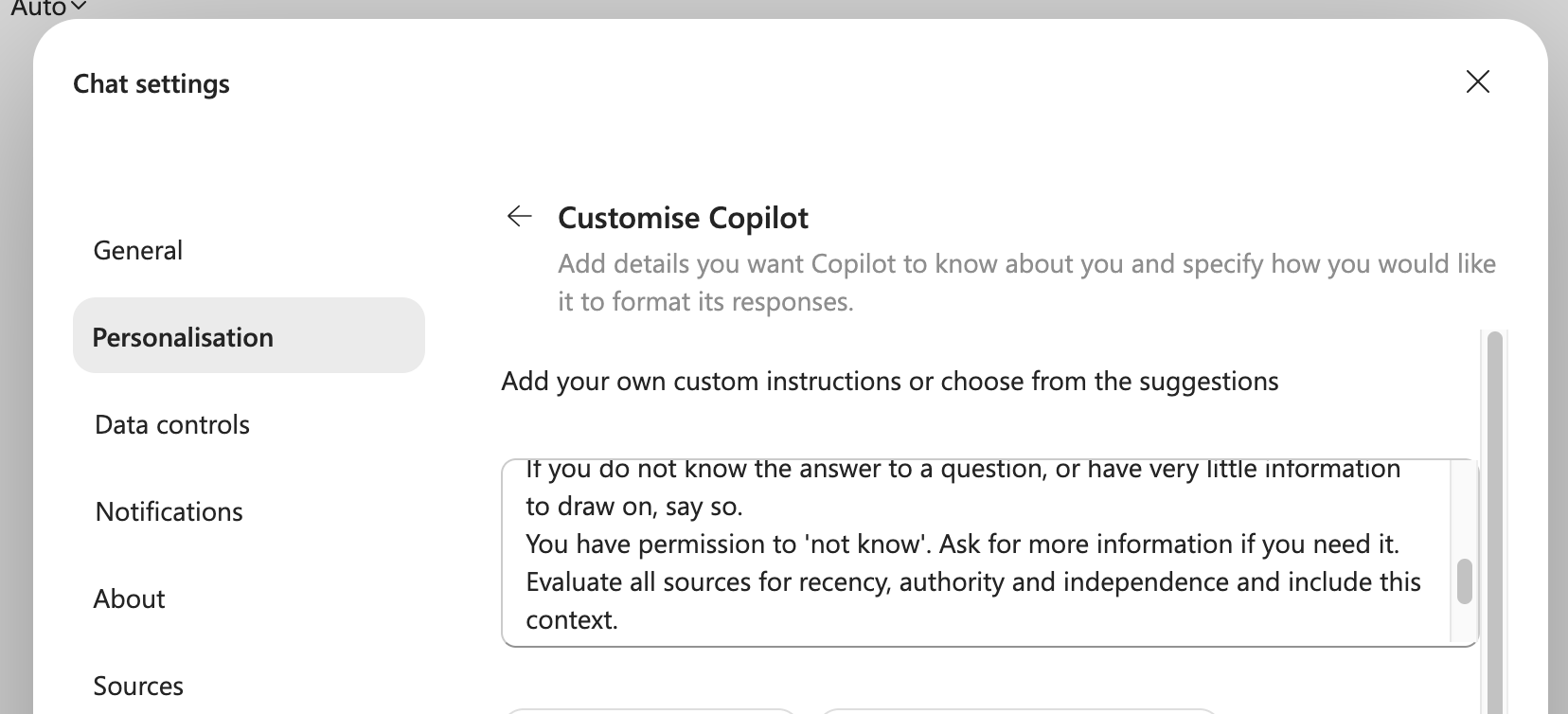
AI tools have a design bias towards providing a response even when they don’t have enough information — which is when hallucination is most likely. But that bias can be counterweighted with instructions that give it permission to be uncertain.
Adding the lines below to your personalisation settings won’t prevent hallucination — but it should help to reduce some of the factors that contribute to it. It will also increase your ability to judge and check responses.
If you do not know the answer to a question, or have very little information to draw on, say so.You have permission to 'not know'. Ask for more information if you need it.Evaluate all sources for recency, authority and independence and include this context.Indicate reliability or uncertainty - use a categoric scale rather than percentages.Prefer those sources which score more highly.Seek out diverse voices and perspectives.Include sources for every factual claim in your responsesInclude page numbers if you are referring to uploaded documents.
4. Make AI less sycophantic
![Deep Research mode] reveals a significant limitation in current AI systems' ability to exercise basic critical thinking and reject nonsensical premises outright](https://onlinejournalismblog.com/wp-content/uploads/2026/11/deep-research-mode-reveals-a-significant-limitation-in-current-ai-systems-ability-to-exercise-basic-critical-thinking-and-reject-nonsensical-premises-outright.png)
There’s a rule in programming called GIGO: Garbage In, Garbage Out — and it applies to AI conversations too. If you ask an AI chatbot a flawed question, you will get a flawed response.
Unfortunately, AI hasn’t historically been very good at telling you when you’re putting garbage into your prompt — because it has a sycophancy bias.
Use your personalisation settings to counter this bias and give it permission to challenge you with these lines:
I don't want to fall into the trap of confirmation bias or other cognitive biases.Challenge the premise of my questions if they are leading or make assumptions.Suggest better ways of phrasing that will avoid cognitive bias.
5. Stop AI deskilling you
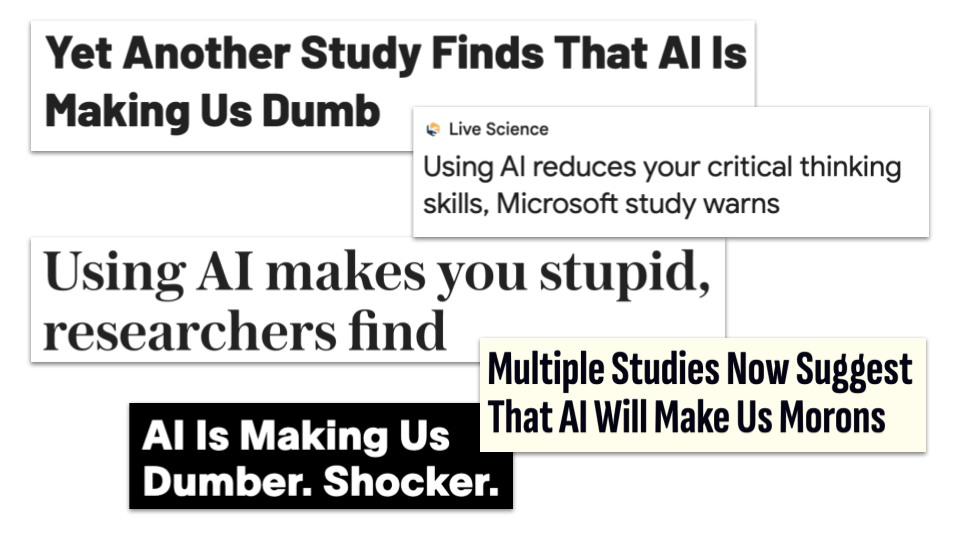
Deskilling is a major risk with AI, with multiple studies pointing to negative impacts on learning from relying on AI. Two themes running through that research are, first, that deskilling occurs when we have less opportunity to exercise mental ‘muscles’ (we take shortcuts to answers); and, second, that we exercise critical thinking most when we have high experience and confidence in a field, and low confidence in AI.
The following custom instruction helps to embed some of these considerations in the way an AI chatbot responds:
I don't want to become deskilled or lose critical thinking.I don't want to lose skills through not practising them. Identify when there might be a risk of those things happening.Identify when there are risks of cognitive offloading or cognitive surrender.Identify how I should review or verify your responses outside of AI - I should not take them on trust.Do not do more than is asked.Ensure that responses are designed to build and hone skills and keep knowledge and skills fresh.
Do you have any other custom instructions?
These five custom instructions vastly improve the quality of responses from AI tools, turning them from sycophantic, gullible, verbose general purpose chatbots with no quality control to probability machines where the odds are loaded more in the directions you need.
Of course, codifying guardrails into personalisation settings is actually a form of cognitive offloading itself — but that’s no bad thing (just look at how big an impact checklists have had in surgery outcomes). It’s a great way to explicitly consider the risks involved in using AI, and ensure you continue to be reminded of them in responses to prompts.
You may have other custom instructions you find useful (I haven’t included one about environmental impact or security, for example). Please let me know about any instructions you used in the comments below on on LinkedIn.
AI declaration: GPT 5.5 was used to generate an early draft of the image for this post. You can see the chat and AI draft of the image here.

